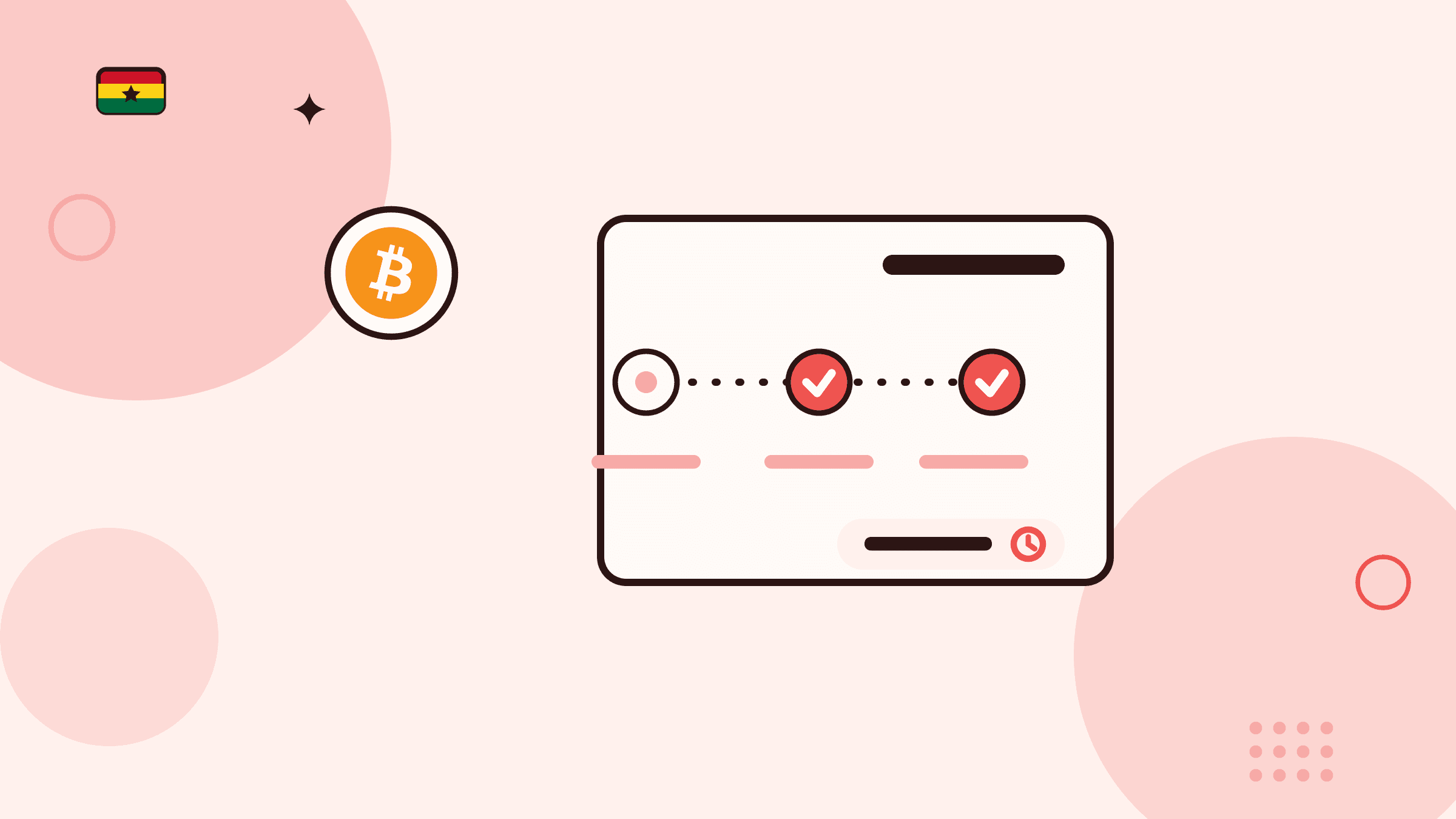
How to follow a crypto sale from deposit to GHS payout
- Step 1
Create the sale before sending crypto
Choose the asset, enter the amount, select the saved Ghana cedi payout destination, and create the order so it can display its own deposit instructions.
- Step 2
Use the current order's deposit route
Send the exact asset over the network shown to the address generated for that order. Keep the blockchain transaction hash and do not reuse an older order's address.
- Step 3
Wait for detection and confirmation
A broadcast transaction may still need to be detected and reach the required confirmation state. Follow the signed-in status instead of assuming the transfer is complete when it leaves your wallet.
- Step 4
Review payout processing
Once the deposit is confirmed, the order moves into payout processing. Verify the saved Mobile Money or bank destination while this stage is shown.
- Step 5
Keep the completed order record
After completion, compare the recorded payout with your selected destination and retain the order reference. Use signed-in Support if the records do not match.
Awaiting deposit means the order is waiting for the crypto transfer
An awaiting-deposit sale has been created, but the order still needs the crypto sent using the wallet address, asset, and network shown for that specific order. Check those details again before sending; do not reuse an address or network from an older transaction.
Keep the order reference and follow its status in your account. That is safer than relying on a public message, an unverified chat, or a screenshot from someone else.
Payout processing means the received crypto is under payout review
Once the crypto is received for the sale, the order can show that the Ghana cedi payout is processing. Review the saved payout destination you selected and use the order reference if you need account-specific help.
Processing is a status, not a promise of an exact time. Check your own order for updates instead of acting on unsolicited messages about the payout.
Completed means the sale has reached its recorded completion state
When an order is marked completed, keep the order reference with your records and check the associated payout destination you selected. If something does not match the order you created, contact Support through your signed-in account with that reference.
Do not post sensitive payment details, wallet information, passwords, or verification codes while seeking assistance.