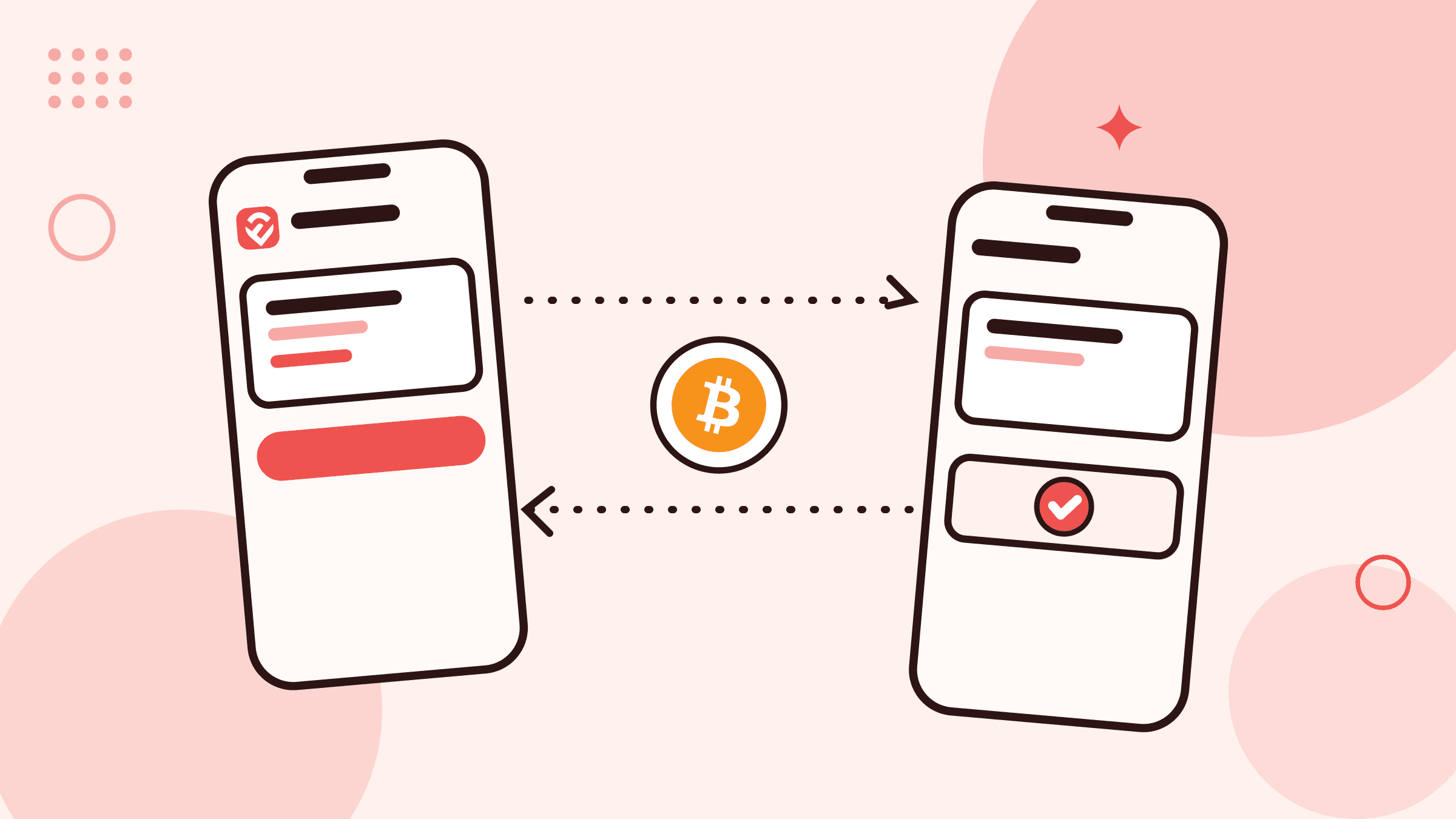
How to send or receive crypto safely
- Step 1
Choose the exact asset
Open the wallet for the cryptocurrency you intend to send or receive. Similar names or symbols do not make two assets interchangeable.
- Step 2
Match the network
Read the network label shown with the ebitpoint wallet or withdrawal route and confirm that the sending and receiving sides support the same network.
- Step 3
Copy and compare the address
Use the copy control instead of retyping an address, then compare its first and last characters after pasting. Check any memo or tag when the current route requires one.
- Step 4
Review the amount and fees
Check the transfer amount, any displayed network fee, and the final amount before submitting. Use a small test transfer first when the destination is new and the route allows it.
- Step 5
Confirm through your own account
Use your password only on the signed-in ebitpoint screen when the withdrawal-address security step asks for it. Never send a password, PIN, or one-time code to Support or another person.
- Step 6
Keep and track the reference
Save the withdrawal reference, order reference, or blockchain transaction ID and follow its recorded status from your activity rather than an unsolicited message.
Sending: use the saved-address security flow
On ebitpoint, withdrawal destinations are managed as saved addresses. Confirming your current password happens inside the signed-in address-management screen, and a newly added destination can be used as soon as it is added.
When the address becomes eligible, select it from the matching wallet and review the first and last characters, network, amount, and any displayed fee. A recipient address can look similar to another one, so do not rely on a quick glance.
Know what each transfer status means
A submitted withdrawal, a transfer sent for on-chain confirmation, and a completed withdrawal are different stages. Check the current status in your wallet activity and keep the reference for follow-up.
If a transaction ID is recorded, compare it using the appropriate blockchain explorer when useful. Do not accept a screenshot or message alone as proof that an on-chain transfer has reached its destination.
Pause when the asset, network, or destination changes
Malware and social-engineering scams can try to replace a copied address or rush a transfer. Recheck the destination on the final screen, especially when it differs from the address you intended to save.
A legitimate support conversation does not require a private key, recovery phrase, password, or one-time code. If anything changes unexpectedly, stop before submitting and ask through signed-in Support.